ENG
RUS
Map


Programming screensavers for your desktop

Theme 2: Analog clock the simple program.

The most simple analog clock are created by means of the simple program. What is the analog clock? These are lines changing the position. Recollect a school rate of trigonometry. I remember, I on the BASIC, on the ZX-Spectrum wrote clock, using change of lines. Well, away memoirs. So, we shall start.

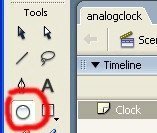
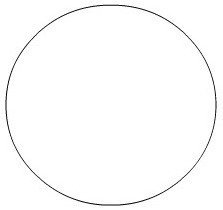
For the beginning we shall create the new document. The size anyone. We shall name this Layer a name Clock. Now in Tools we choose the tool Oval Tool, look drawing 1. Key "O" Corresponds to the given tool. On a working table Flash The document we draw a circle. The size at own discretion. This circle will be at us a dial. Look drawing 2, here that at us should it will turn out. Simply a circle and all.

Drawing 1
Drawing 1
Drawing 2
Drawing 2

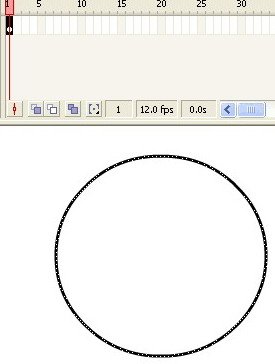
The most interesting begins. For the beginning we shall lead round our future dial the tool Selection Tool (key "V"). Look drawing 3 It should turn out here so (drawing 4).

Drawing 3
Drawing 3
Drawing 4
Drawing 4

Arrow of "mouse" it is directed on edge of our dial, we press the right key of "mouse". The menu will appear. In it the menu to us should be chosen Convert to Symbol. Look drawing 5. The window will open Convert to Symbol. In line Name let's write Time. It is possible to leave generally to default. In Behavior we choose Movie clip. Registration let's leave on the middle. We press OK.